Letterpress turns a digital file into a physical plate and then into a physical impression. Small file errors can therefore become wasted plates, slow press setup, poor registration, or an unreadable finished piece. A production-ready file should communicate the intended result clearly to prepress and press operators.
The safest workflow is simple: one process, one clearly named plate, one reliable color definition, and enough room in the artwork for the paper and press to do their work.
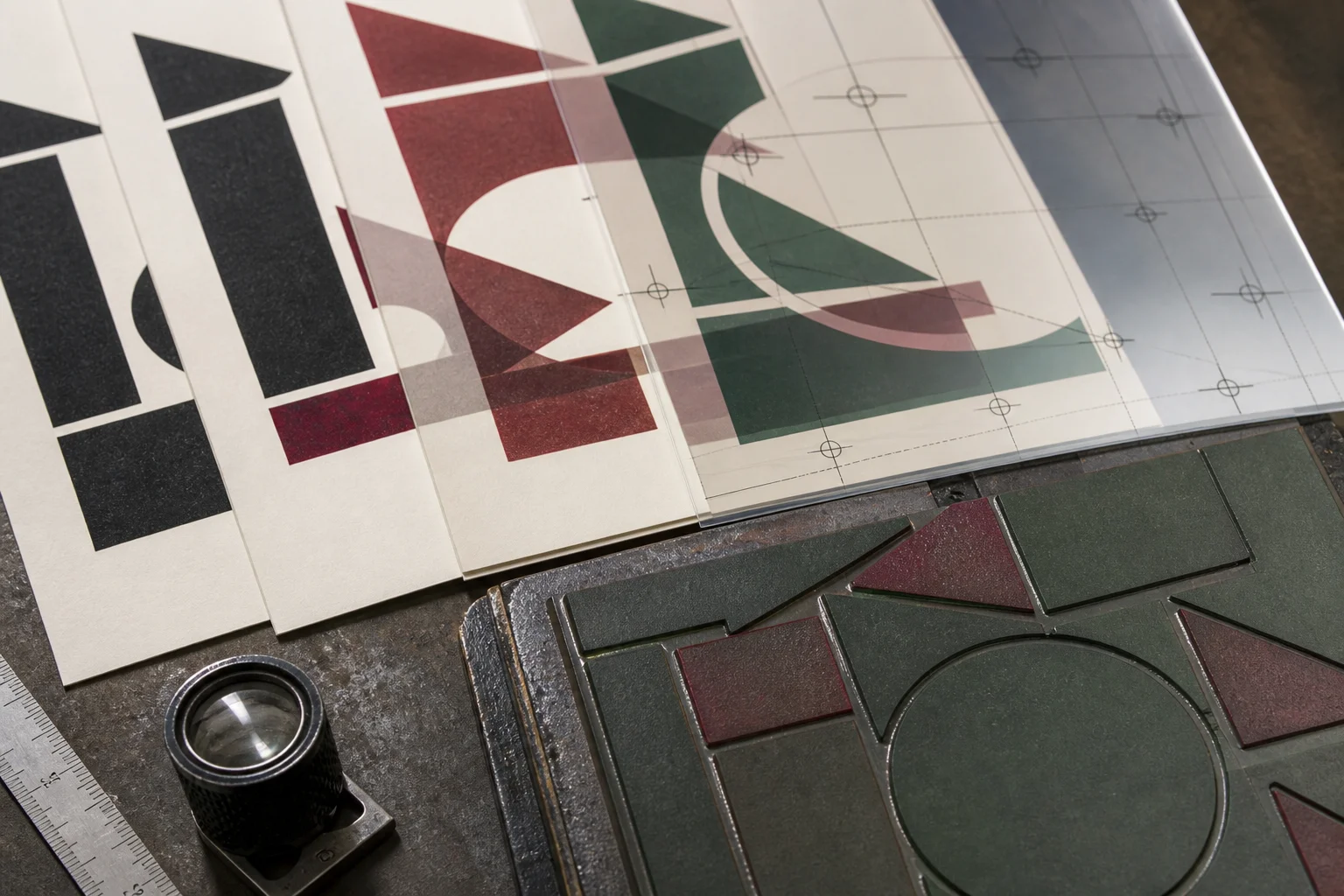
Build the file around separations
Use one layer or plate for each printing color. Name spot colors by their actual ink, such as Pantone 186 U, and make sure each swatch is set as a true Spot Color rather than a process mixture. Keep foil, die cutting, creasing, embossing, and blind debossing on separate layers or spot colors with explicit production names.
Mark non-printing construction layers as “do not print.” For a black plate, use 100% K artwork rather than rich CMYK black or RGB black. Clear separation makes it possible to inspect each plate at 100% and prevents a compound color from silently becoming multiple plates.
Practical minimums for a first proof
The figures below are safe starting points for discussion, not universal machine limits. Plate material, paper texture, ink coverage, press pressure, and the printer's workflow can change the result. Confirm them with the production team and test the actual stock before release.
| Artwork element | Starting point | Reason |
|---|---|---|
| Positive rules | About 0.25–0.30 mm or heavier for deep pressure or rough stock | Thin raised lines can break up or lose continuity |
| Reverse rules and gaps | About 0.40–0.50 mm or more inside a large solid | Ink and paper movement can close narrow negative spaces |
| Positive type | Begin around 7–8 pt, then proof the actual face and weight | Fine, light type loses detail faster than sturdy medium weights |
| Reverse type | Begin around 9–10 pt, depending on weight and solid area | White counters need more room to remain open |
| Isolated dots | Keep them close to 0.8–1.0 mm or larger; confirm plate limits | Very small unsupported dots can fill, chip, or disappear |
| QR codes | Make them generous in size, reduce the data, and test the final scan | Relief, ink spread, and textured paper can reduce scan reliability |
Use trapping intentionally
Two spot colors that meet at a fine edge can reveal a white hairline if registration shifts. Where appropriate, add a small trap—often around 0.1–0.2 mm—or create a deliberate gap that is part of the design. Do not rely on a fragile shared edge between two tiny shapes.
Overprinting can be useful for production marks and special processes, but it must be intentional. Review the separated plates and the composite preview so a foil, blind deboss, or die path does not unexpectedly knock out artwork beneath it.
Preflight checklist before releasing the file
- Confirm the final trim size, orientation, and artwork scale at 1:1.
- Extend backgrounds to the required bleed, typically 3 mm unless the printer specifies otherwise.
- Keep important details inside the safe area and check front-to-back registration.
- Outline fonts, while retaining the editable source file for future changes.
- Expand or rasterize transparency, shadows, gradients, and unusual strokes, then inspect the result.
- Make every process plate explicit and label non-printing construction layers clearly.
- Use a closed vector path for die cutting and keep crease lines separate from cut lines.
- Remove duplicate, broken, or accidentally open paths.
- Inspect the artwork at high magnification for fragile rules, isolated dots, and crowded counters.
- For double-sided deep impression, check whether one side will collide with the other or show too strongly through the sheet.
Proof the file as a physical object
A perfect-looking composite PDF is not enough for a tactile process. Request a final proof or a representative plate test when the design includes deep relief, large solids, small reversed type, QR codes, or several finishing processes. The goal is to give the press operator a file whose intent is unambiguous and whose limits have already been considered.
Good preflight does not make the design less creative. It protects the creative idea by translating it into plates, pressure, and paper without avoidable surprises.
Ordering letterpress cards from us? Upload your file on the letterpress business cards page, or design the card in our online designer, which flags lines and type too fine for letterpress. We check every file by hand before printing.