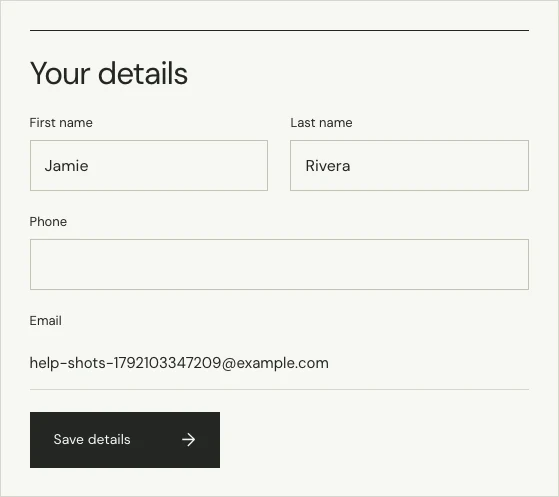
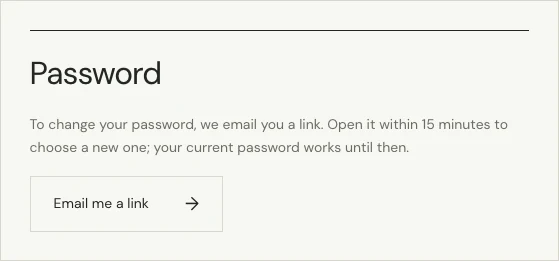
Log in and open your account. Under “Your details” you can change your first name, last name and phone number, then choose “Save details”. To change your password, choose “Email me a link” under Password and set a new one from the email. The email address on an account can’t be changed.
How do I change my password?
- In your account, go to Password and choose “Email me a link”.
- Open the email we send to your account’s address. The link works once, for 15 minutes.
- Choose your new password.
You don’t need your current password. If you log in with Google, your account has no password to change.
I forgot my password. How do I log in?
On the log in page, choose “Forgot your password?”, enter your email address and choose “Email me a link”. If there’s an account for that address, we send it a link to choose a new password. The link works for 15 minutes.
Can I change my email address?
Not from your account. To use a different address, create a new account with it, then add your earlier orders under “An earlier order”. We email the address on each order to confirm. If you can no longer get email at your old address, contact us.
How do I keep my account safe?
Use a password you don’t use anywhere else. We’ll never ask you for your password.